5 device-specific files
Choose your tablet before checkout; your library receives the edition fitted to it.
Connect meals, groceries, inventory, errands, and preparation.
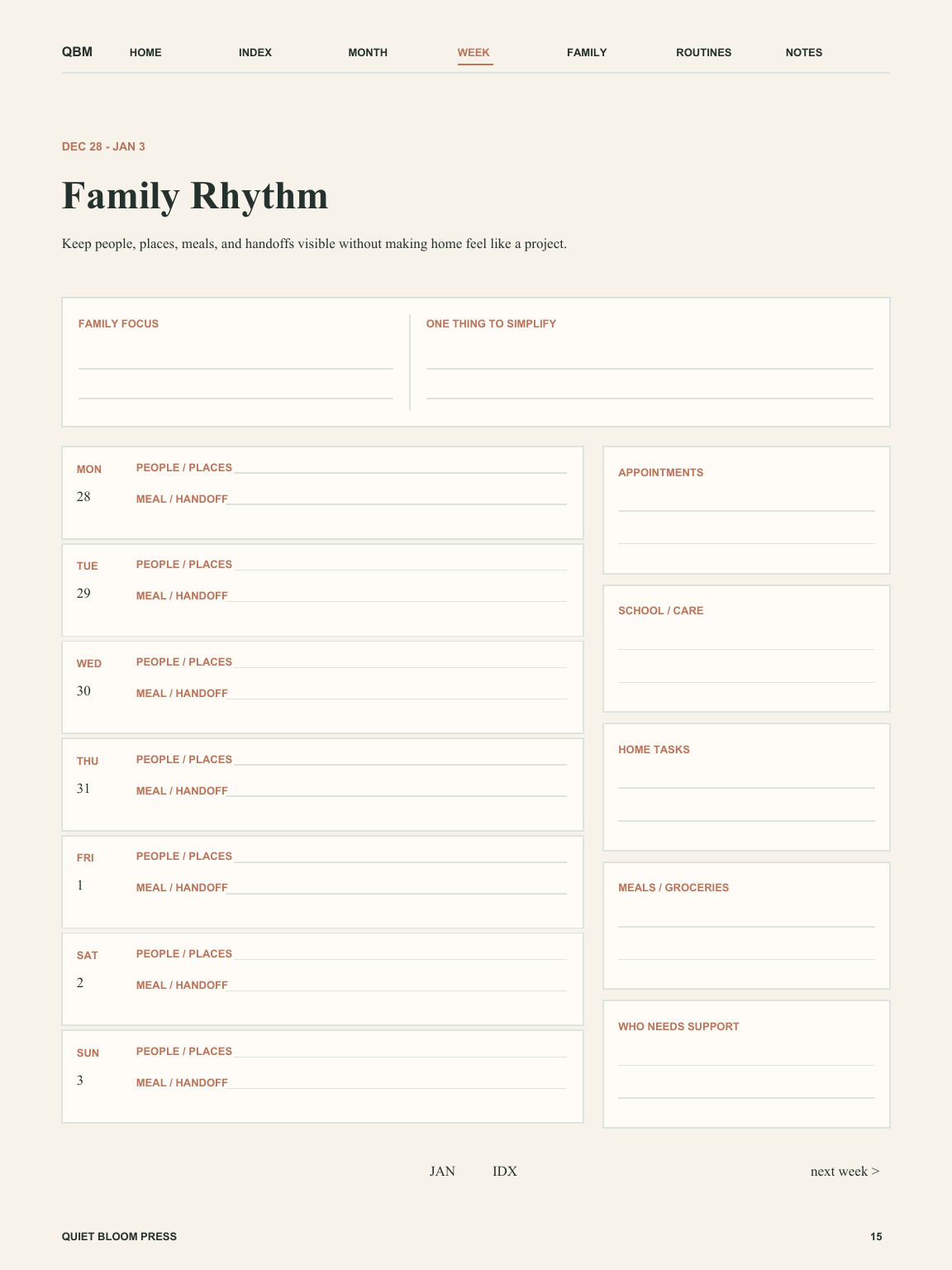
Interactive planner sample. Press N for navigation, P for pen, H for highlighter, E for eraser, or T for tick. Control Z undoes a mark. Writing requires a pointer or stylus; page links and tools are keyboard accessible.
 Opening real PDF page…
Quality test: write a sentence, erase part of it, undo and redo, tick an option, highlight a line, then choose Navigate and follow the PDF’s real link regions. Marks are stored separately for this planner and device on your browser.
A warm weekly companion for meal ideas, household habits, and the lists that live near the coffee maker.
Selected fileiPad 11-inch / Goodnotes · device-fitted hyperlinked PDF
Secure Stripe checkout · library access after confirmed payment
Refund policy · personal-use license
The pages are arranged as a repeatable sequence, not a loose bundle of templates.
Begin with enough context to choose what matters.
Translate that direction into a realistic plan.
Use the review to carry forward what still matters.
Every page has a defined job. The structure is finished before the file reaches you, so you can begin planning immediately.
Choose your tablet before checkout; your library receives the edition fitted to it.
The layout prioritizes usable handwriting areas over decorative content.
Calendar logic, links, page transitions, and representative renders are checked before publishing.
Quiet Bloom states the format, structure, and compatibility before checkout so you can choose with confidence.
The selected planner and device edition are added to your Quiet Bloom library after payment is confirmed. You can prepare and download the PDF during the 30-day regeneration window; the downloaded file remains yours under the personal-use license.
Yes. On iPad, import the PDF into a compatible annotation app. On e-ink tablets, use the device’s supported PDF import process. The planner does not include third-party apps.
An individual purchase covers the edition selected at checkout. Membership is the better choice when you want the broader library or expect to use several editions.
Yes. The interactive preview above uses actual rendered pages from every available device edition rather than decorative placeholders.
Household pacing with shared goals, gentle habits, and notes for appointments, meals, and the unexpected.
Best forhouseholds coordinating appointments, care, meals, routines, maintenance, and the practical details everyone relies on.
An undated digital party and event planner for the event brief, guest experience, timeline, budget, venue, vendors, RSVPs, menu, supplies, setup, and run of show.
Best forhosts and coordinators planning birthdays, showers, anniversaries, community gatherings, holiday parties, and other events that need more than a loose checklist.
An undated end-of-life planning organizer for trusted contacts, document locations, household continuity, final wishes, service preferences, digital directions, and legacy notes.
Best foradults and families preparing document locations, household continuity, digital directions, personal wishes, service preferences, and legacy notes with care.